Features
File Sharing
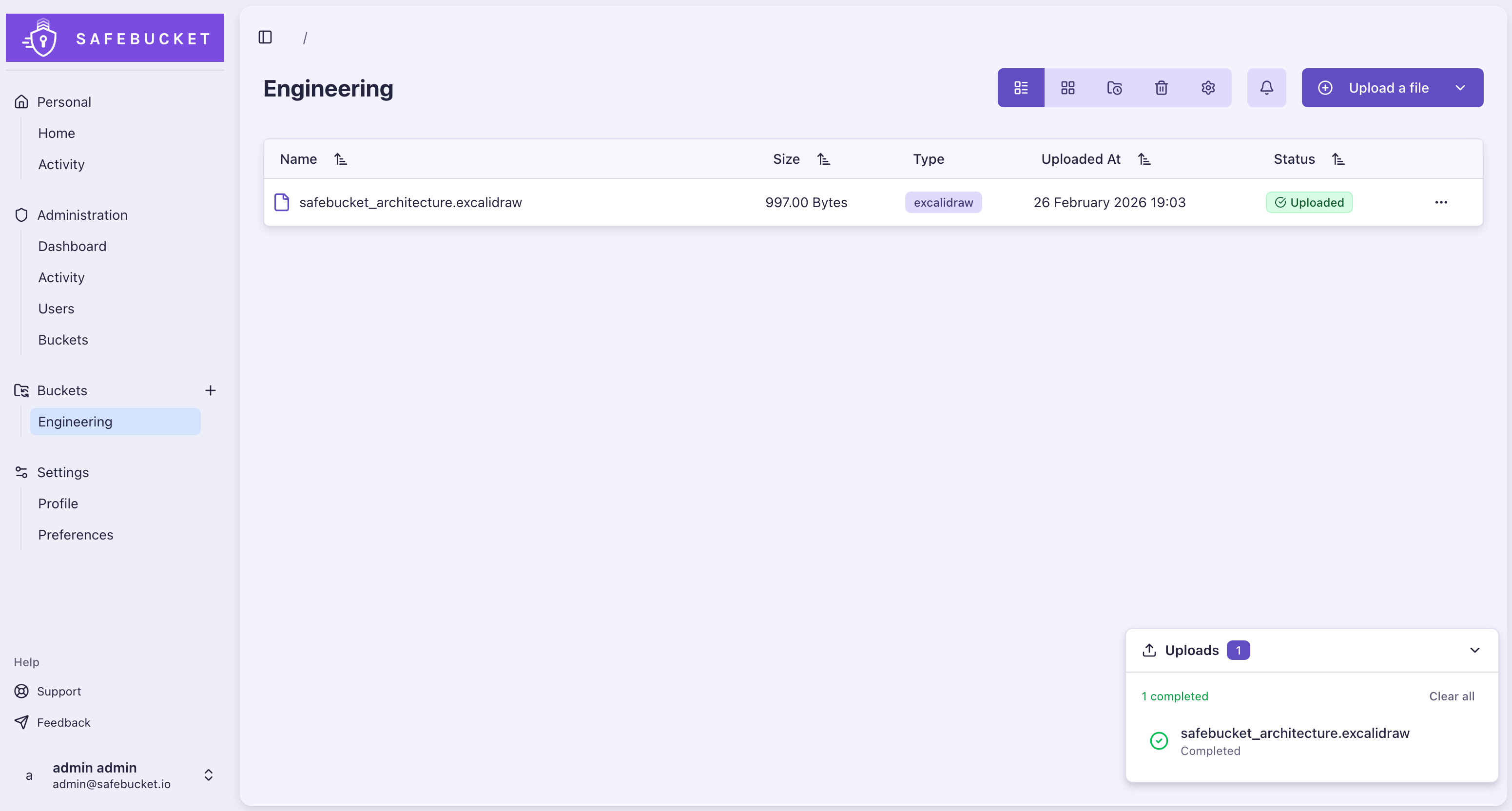
Uploads & Downloads
Files are uploaded directly to your cloud storage provider via presigned URLs. The application server never handles file data. Clients upload and download straight from the storage backend.
- Buckets as logical containers for sharing
- Nested folder hierarchies within buckets
- Configurable upload size limit (no hard limit)
- Time-limited presigned URLs for uploads and downloads
- File and folder renaming
In-browser Preview
Preview files directly in the browser without downloading them.
- Images (PNG, JPG, GIF, WebP, SVG, and more)
- Video and audio playback
- PDF documents
- Text files
Bulk Download
Select multiple files and folders and download them together as a single ZIP archive, assembled in the browser.
- Multi-select files and entire folders across a bucket
- Selected items are bundled client-side into one timestamped ZIP
- Download progress with partial-failure reporting
- Up to 100 files or 1 GB per archive
Quick Share & Reverse Share
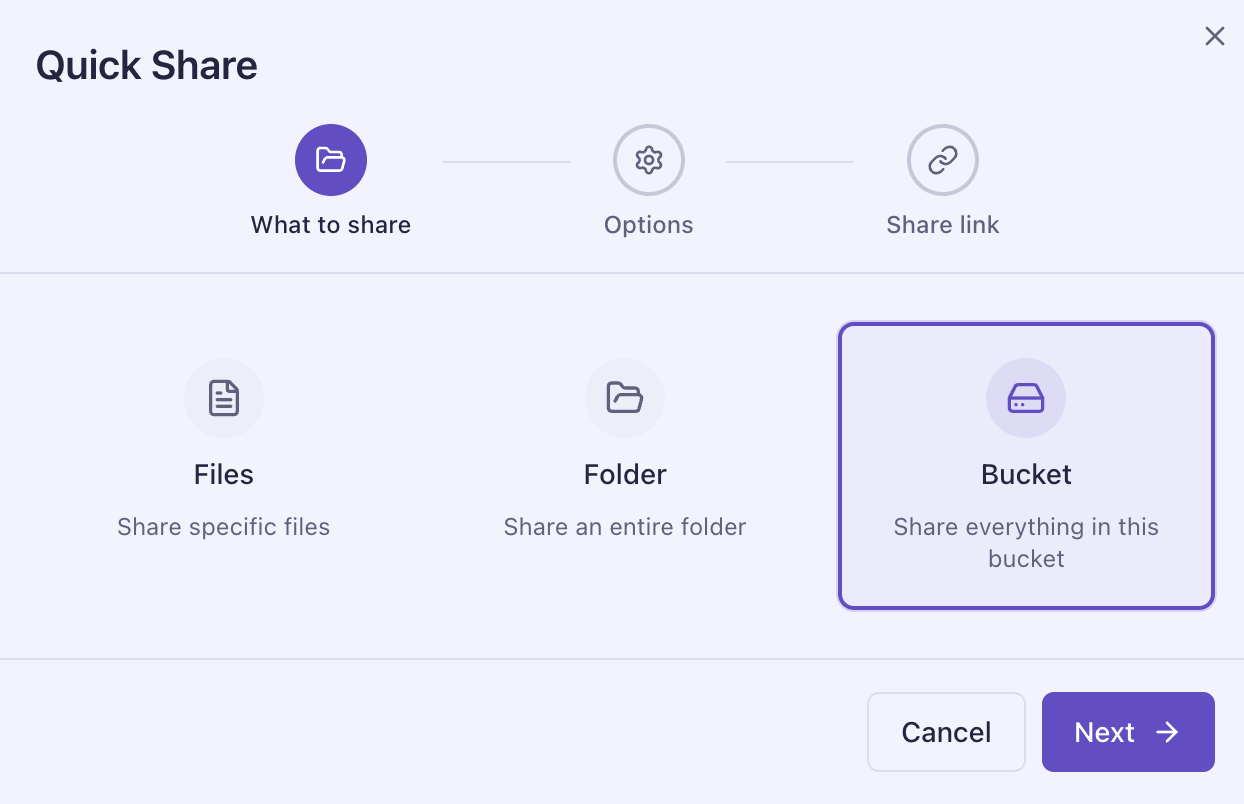
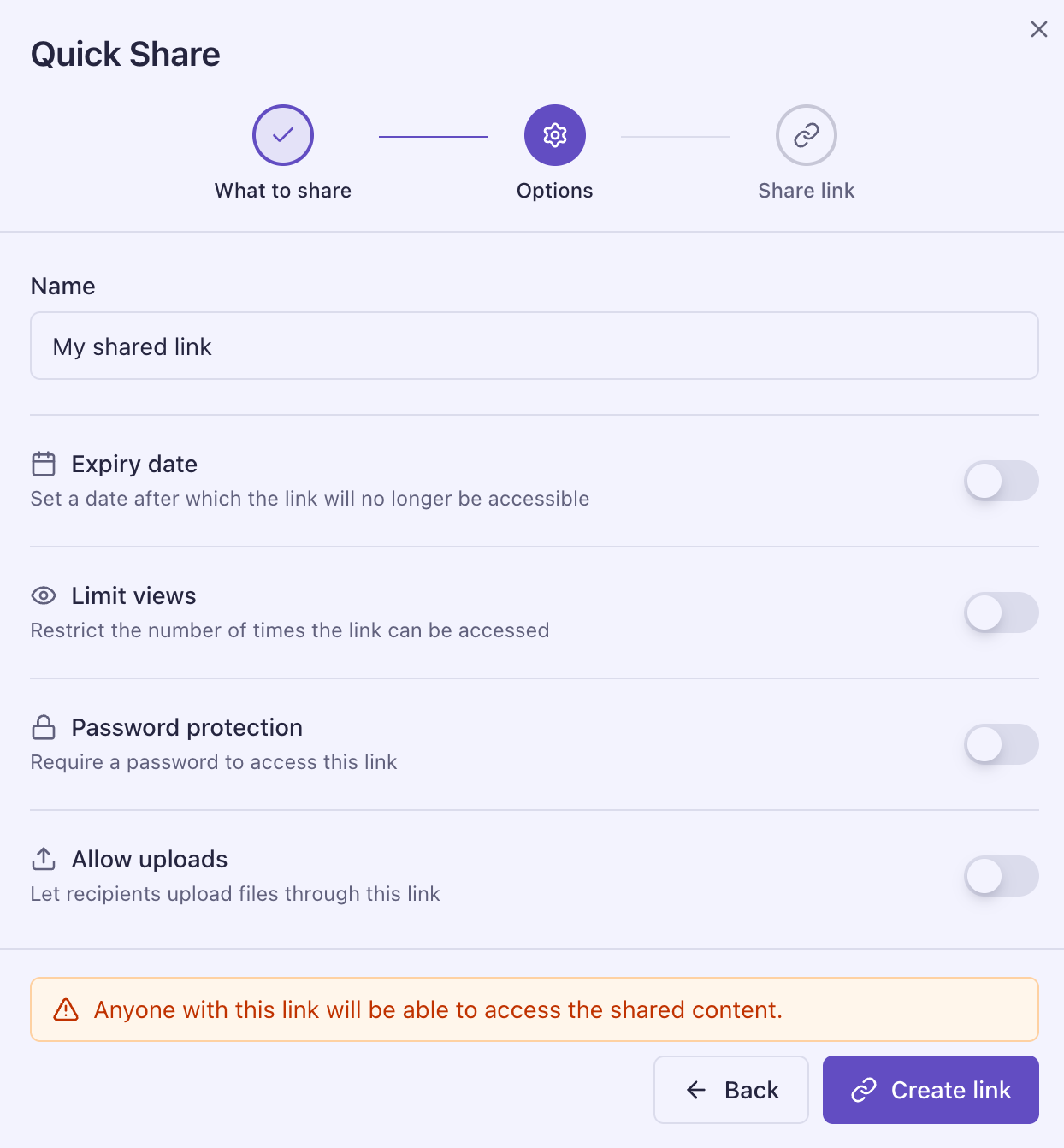
Share files, folders, or an entire bucket via a public link. Recipients download without a Safebucket account, and the same link can also accept uploads back from external users.
- Three scopes: individual files, a folder, or the whole bucket
- Optional expiration date
- Optional maximum view count
- Optional password protection
- Optional reverse share available on folder and bucket shares
- Optional maximum upload count and per-file size limit on reverse shares
Redirect Downloads
Quick share links can be consumed directly from the command line with curl.
The download endpoints redirect to a presigned URL that carries the original
filename in its Content-Disposition header, so -OJL saves the file under its
real name without you having to specify it.
# Single-file share
curl -OJL https://safebucket.example.com/api/v1/shares/<share-id>/download

# A specific file inside a folder or bucket share
curl -OJL https://safebucket.example.com/api/v1/shares/<share-id>/files/<file-id>/download
For a password-protected share, authenticate once to obtain a cookie, then reuse it on the download request:
curl -c cookies.txt -X POST https://safebucket.example.com/api/v1/shares/<share-id>/auth \
  -H "Content-Type: application/json" -d '{"password":"your-password"}'

curl -OJL -b cookies.txt https://safebucket.example.com/api/v1/shares/<share-id>/download
Redirect downloads are controlled by the APP__ALLOW_REDIRECT_DOWNLOAD setting
(enabled by default). When disabled, these endpoints return HTTP 403. See
Environment Variables.
File Expiration
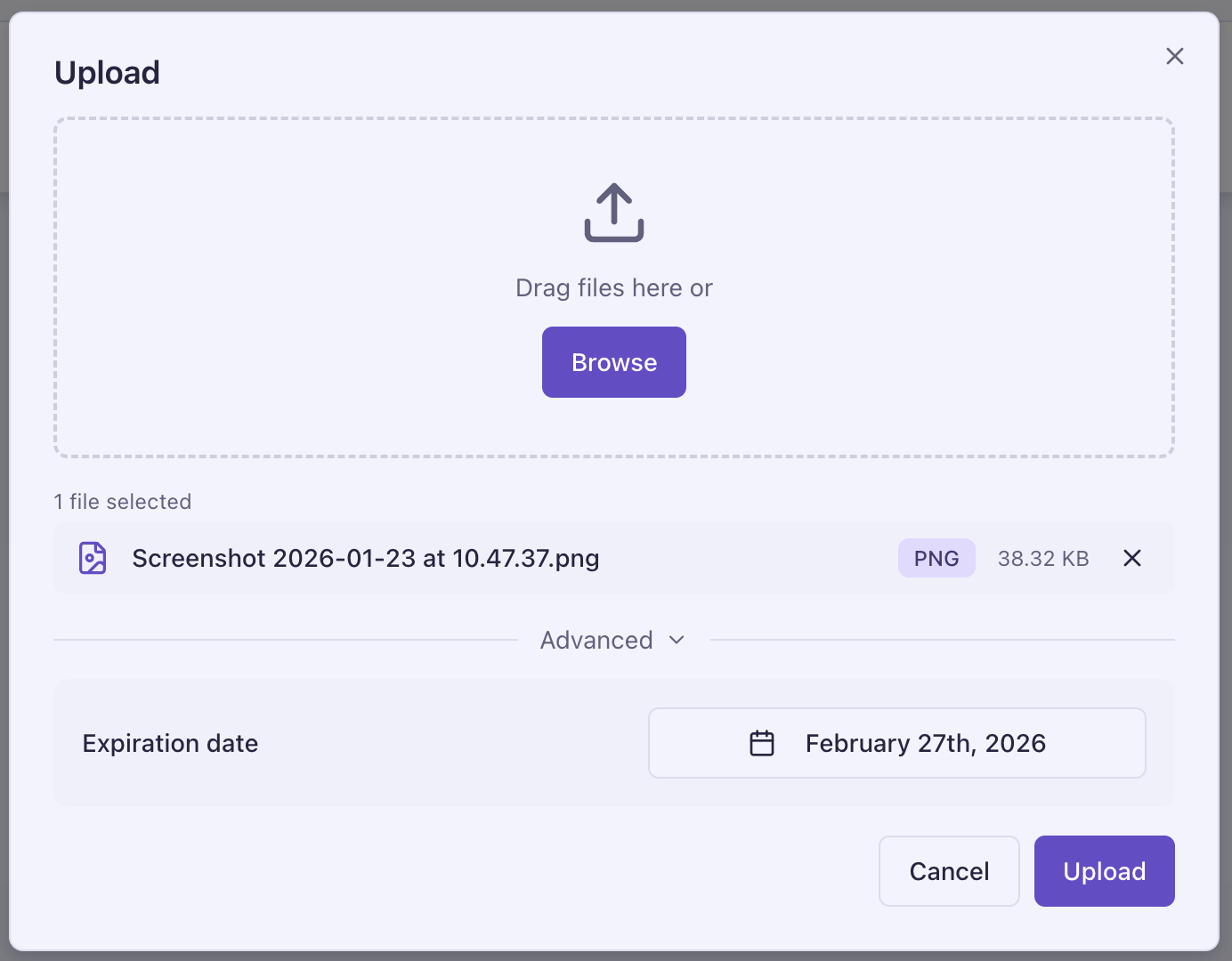
Optional per-file expiration dates set at upload time.
- Expired files return HTTP 403 on download and update attempts
- Background worker removes expired files from storage and database
- Expiration events logged in the activity trail
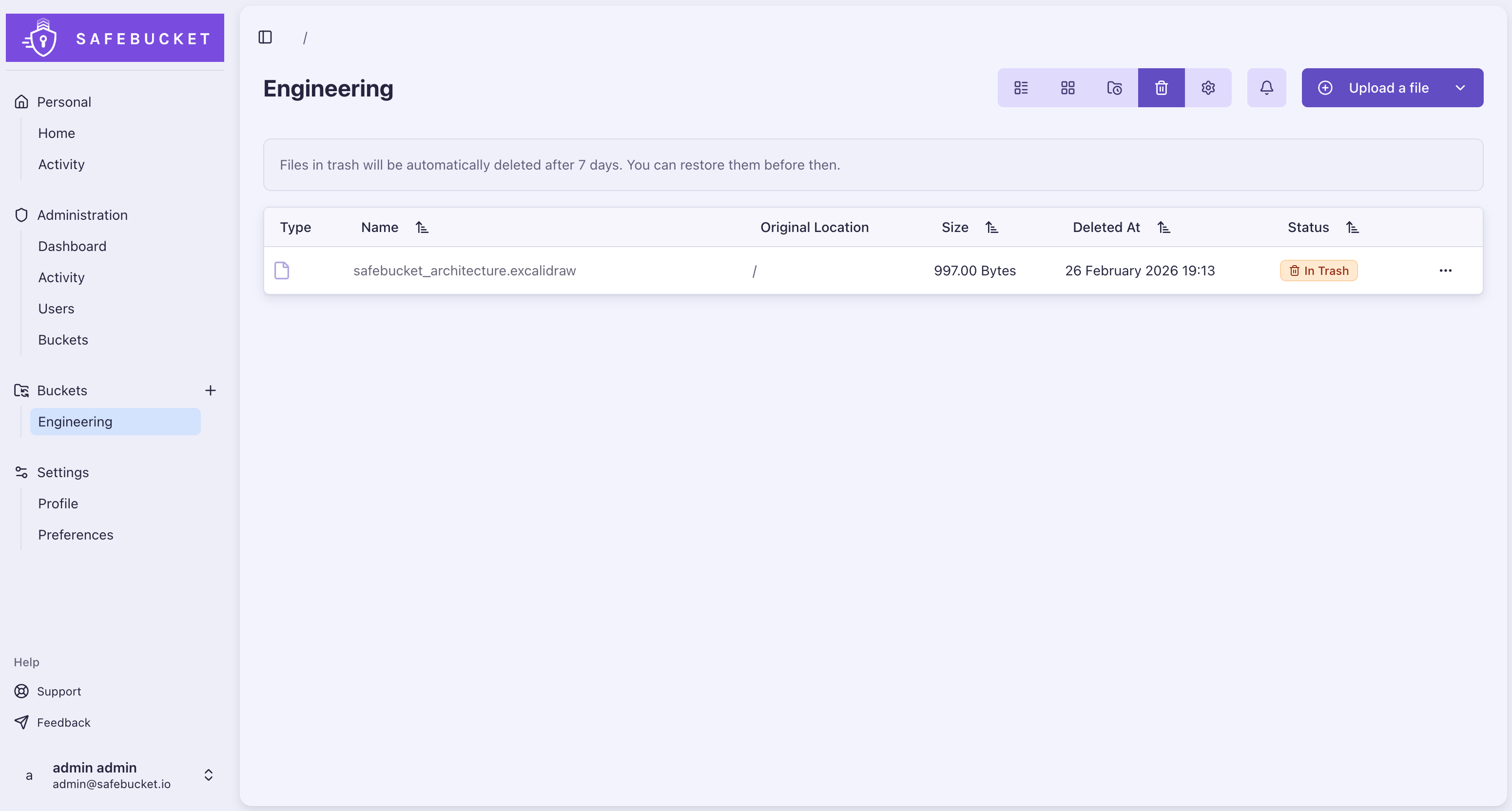
Trash & Data Retention
Soft-delete with configurable retention and automatic cleanup.
- Files and folders moved to trash on deletion
- Restore from trash before the retention period expires
- Configurable retention period (default: 7 days)
- Automatic purge after expiration
Buckets
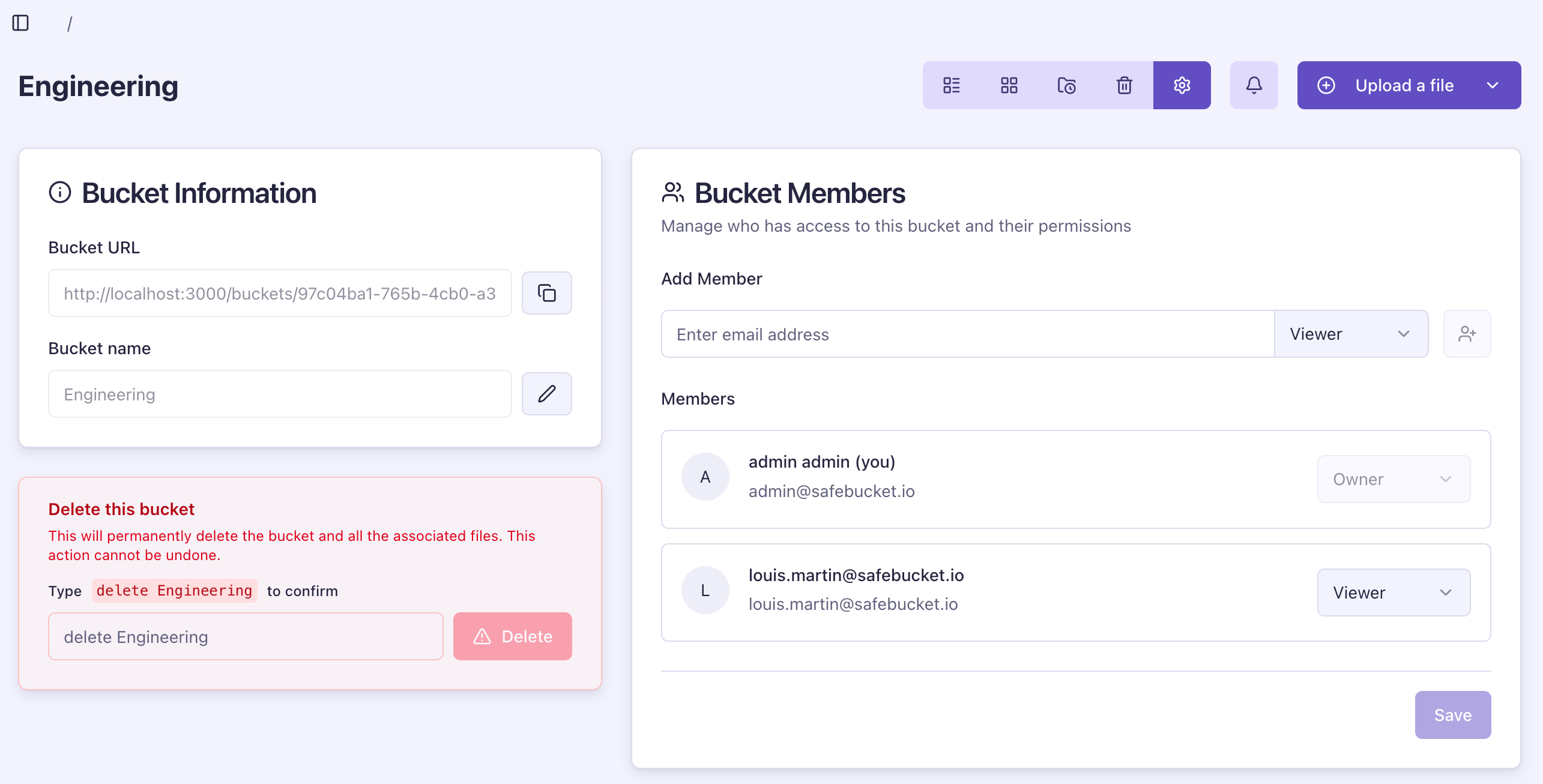
Access Control
Access control operates at two levels.
Platform roles define what a user can do across the application:
- Admin: Full platform management, user administration, system-wide activity view
- User: Create buckets, manage their own buckets and memberships
- Guest: Can only access buckets they have been explicitly invited to. Cannot create buckets.
Bucket roles define what a member can do within a specific bucket:
- Owner: Full bucket management and member administration
- Contributor: Upload, download, rename, and delete files and folders
- Viewer: Read-only access
All file access is bucket-scoped. Permissions are enforced at API middleware level on every request.
User Invitations
Invite external users to buckets via email.
- Challenge-based acceptance flow
- Attempt limiting and lockout to prevent brute force
- Email notifications on invitation
Activity Tracking
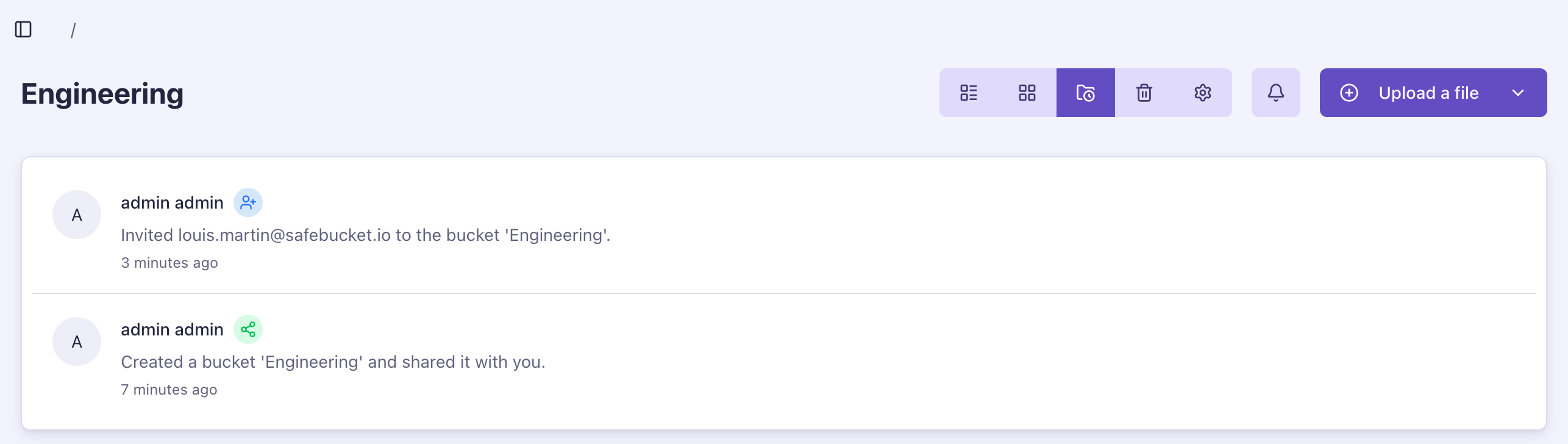
Real-time activity logging for all user actions.
- Logins, uploads, downloads, deletions, member changes tracked
- Searchable audit logs indexed by action, user, and object type
- Date-range filtering with paginated results
- Admins can filter system-wide activity by action and object type
- Per-bucket activity view for owners
- Admin dashboard with system-wide activity and upload trends
Notifications
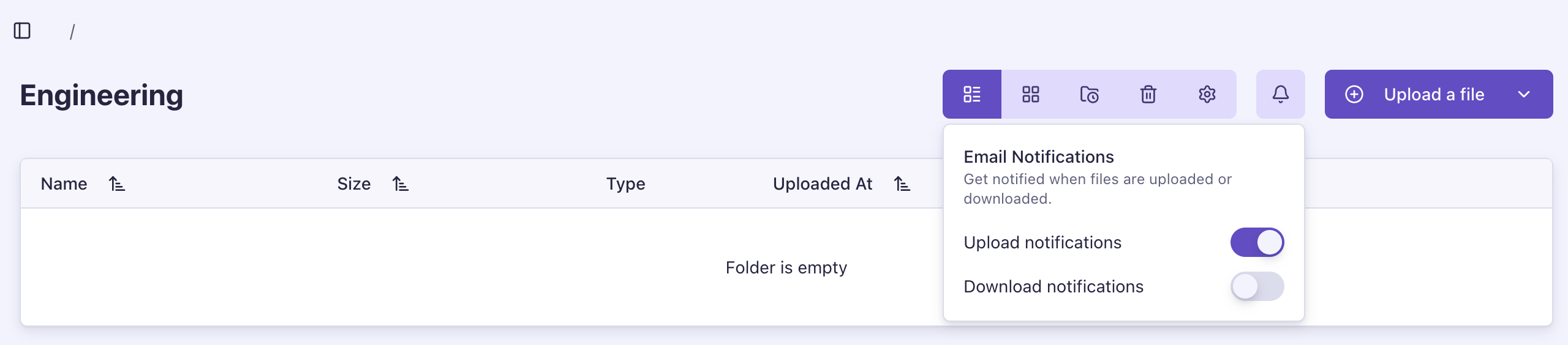
Email notifications for file activity within buckets.
- Upload and download notifications to bucket members
- Per-member opt-in/opt-out preferences
- Buffered delivery to avoid spam during bulk operations
Authentication
SSO, LDAP & Local Authentication
SSO via any OIDC provider, LDAP directory authentication, and local password authentication for external users.
- OIDC/SSO with any OpenID Connect provider
- LDAP and Active Directory authentication
- Local authentication for external users
- Multiple identity providers at the same time
- Domain-based restrictions per provider
- Password reset with challenge-based verification
Multi-Factor Authentication
MFA across all authentication providers.
- Works with any TOTP authenticator app
- Multiple MFA devices per account
- Enforced per provider (local, OIDC, LDAP) via configuration
Administration
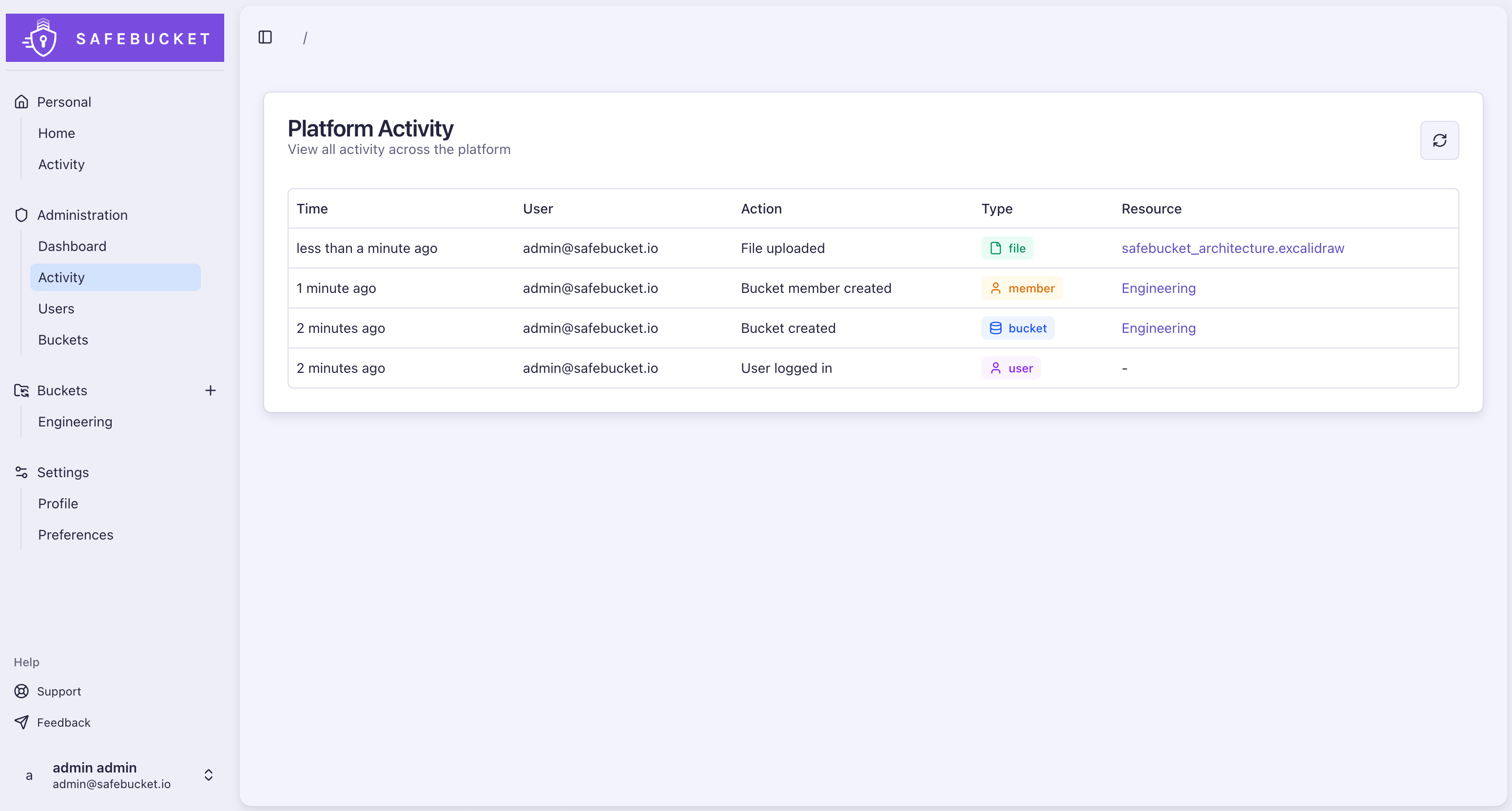
Admin users have access to a dedicated dashboard with four views:
- Dashboard: Platform statistics including total users, buckets, files, folders, and storage used
- Activity: System-wide activity log
- Users: Full user list with roles and account status
- Buckets: All buckets across the platform with member counts and storage usage
Personalization
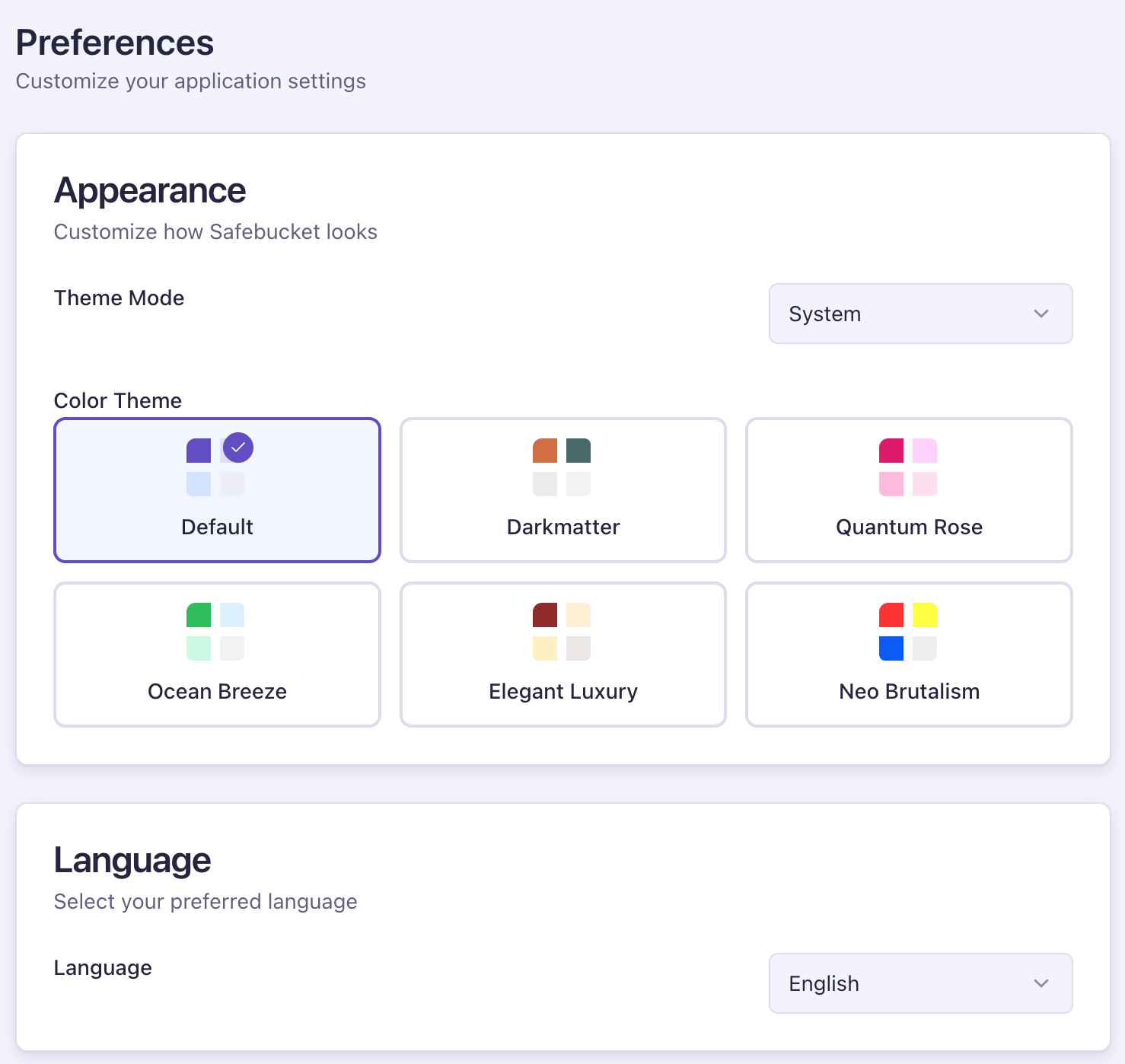
- Multiple color themes: Default, Darkmatter, Quantum Rose, Ocean Breeze, Elegant Luxury, Neo Brutalism
- Light and dark mode with system preference detection
- Language selection (English, French)
- Configurable timezone for activity and statistics display
Infrastructure
Every component is swappable. Safebucket provides ready-to-use deployment templates, but each layer (storage, events, cache, deployment) can be replaced with whatever fits your environment.
Deployment templates:
- local/full: Docker Compose with all services (Safebucket, PostgreSQL, RustFS, Valkey, NATS, Loki, Mailpit)
- local/lite: Minimal Docker Compose for a lightweight setup
- dev: Infrastructure services only, run Safebucket from source
- aws: Terraform modules for ECS Fargate, RDS, ElastiCache, S3, SQS, and CloudWatch